External links can be added to the text item via the input field. This can be a hyperlink (link to a website) or a network link (link to a local file).
As soon as a valid link has been entered in the input field (see Figures 1 and 2), it will be displayed behind the content of the text item after closing the page menu (see Figure 3).
The link can now be called up with a mouse click. The dialog box from Figure 4 then appears, in which it must be confirmed once again that the corresponding link is to be called up.
Figure 1 - Input field |
Figure 2 - Error message |
Figure 3 - Result |
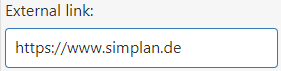

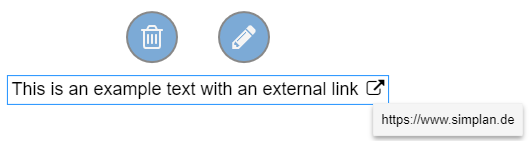
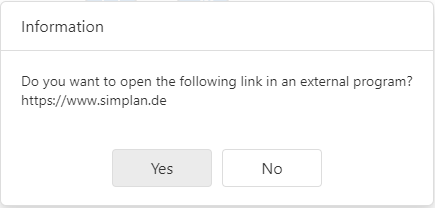
Figure 4 - Info dialog
© SimPlan AG - Hanau District Court, Commercial Register (Part B) 6845 - info@simplan.de - www.simplan.de/en